![Logo_YUKKA_News-Analytics_WEISS_Transparent.png]](https://9431966.hs-sites-eu1.com/hs-fs/hubfs/Logo_YUKKA_News-Analytics_WEISS_Transparent.png?height=40&name=Logo_YUKKA_News-Analytics_WEISS_Transparent.png)
There might be times when you want to mark a specific event in your portfolio.
Be it that you want to share a specific finding or just don't want to forget something, you certainly don't want to pick up a piece of paper to do so.
In order to make this possible, you have the option to leave annotations in the cockpit, that you and other users can get back to, to keep track of specifically relevant events.
Annotations can be created in two ways:
1) By adding an annotation directly to an article in the news view:
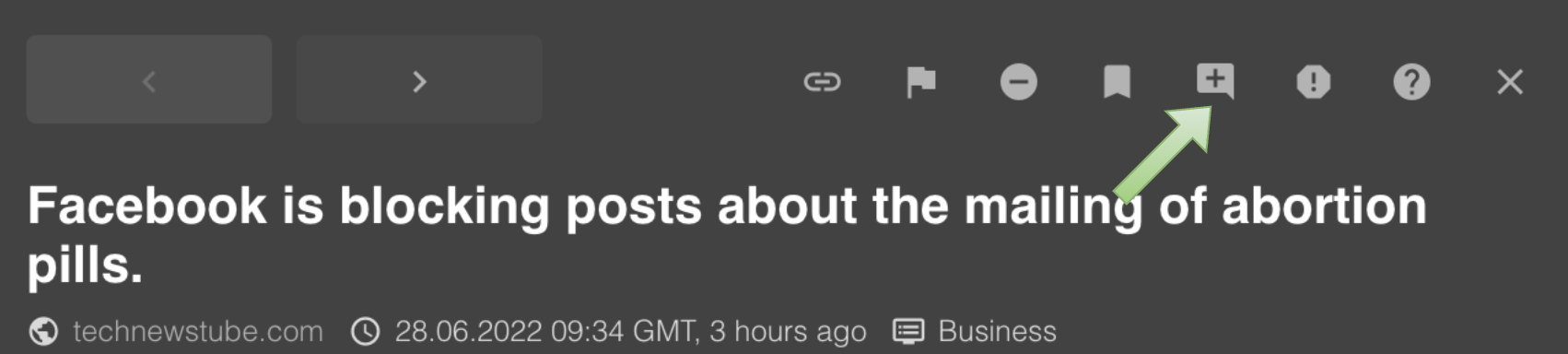
Click on the article to get the full text version.
In the header line of the article click on the flag with the "+" in it, to open the annotation window.
This will open the annotation window:
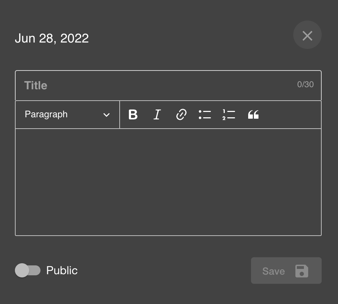
The topmost field in the window is the title. This title will be depicted in the charts, once the annotation has been saved.
In the body of the window, you can enter all the information you deem relevant.
The "Public" switch, off by default, will decide whether other users are able to see your annotation or not.
"Save" will save and finalise the annotation. It will no become visible in the Trend chart.
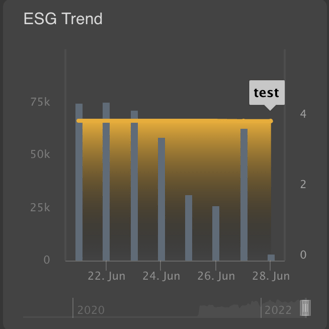
The other way to create an annotation is by clicking directly on a position in the graph.
This will change the news view and show you this.
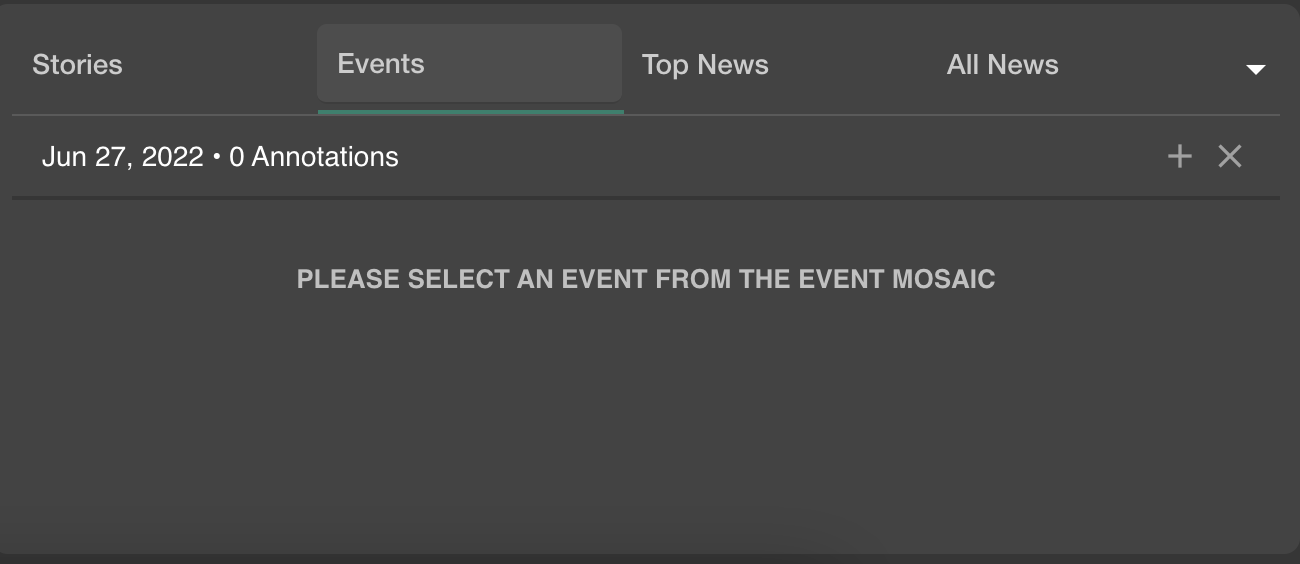
Click on the "+" on the right side and proceed as described above.