![Logo_YUKKA_News-Analytics_WEISS_Transparent.png]](https://9431966.hs-sites-eu1.com/hs-fs/hubfs/Logo_YUKKA_News-Analytics_WEISS_Transparent.png?height=40&name=Logo_YUKKA_News-Analytics_WEISS_Transparent.png)
First of all: Why would you set up your own scores?
While we do have a number of preset scores available for our users, there might always be some specific events that you want to have a closer look on or a more in depths analysis, or simply the fact that you need an entirely new score tracking a specific set of events, we have not yet covered.
Whatever the reason, we have you covered.
Click on the "Settings" icon on the lower left of the screen:

This will open the settings screen, where you manage all of your scores:
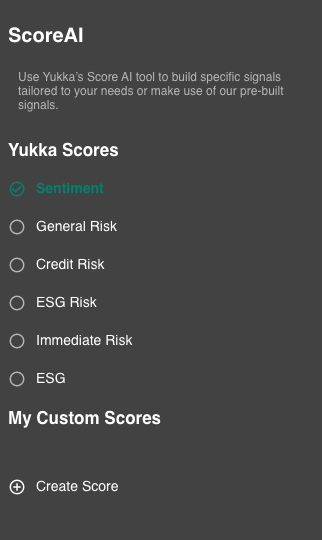
Select "Create Score" at the Bottom of the list and you will see these settings:
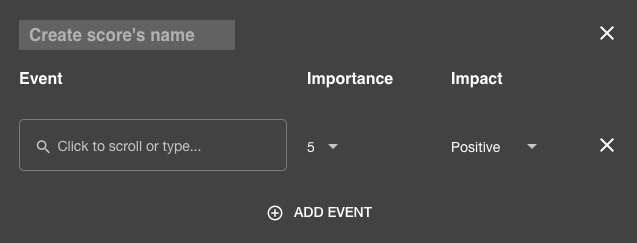
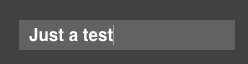
From here you start by giving your Score a name:
Now, with the easy part done, you decide on which events you want to have in your score.
For our purpose here, let's have a look at "Liquidity" as a topic.
So, we start by selecting the first Event we want to cover:
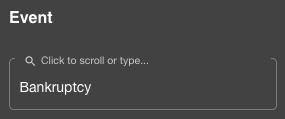
Then we evaluate how big the impact for this event will be. 5 is the highest possible impact, 1 is the lowest. Assuming that Bankruptcy is to be assumed serious, let's go with a 5 here.
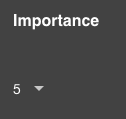
The there is to decide whether the impact of the event is to be considered as a positive or negative entry:
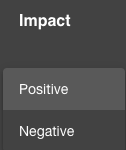
We will switch to negative.
Done. Thats the first entry in your own score.
In order to get a more "precise" score, lets add another event to the analysis.

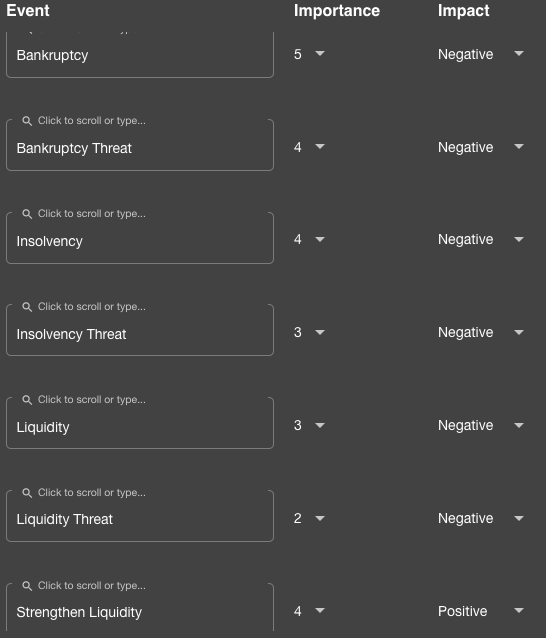
Assuming the "Bankruptcy Threat" is not as bad as the actual thing, we are going to set them impact slightly lower.
So, in the end, after a couple more entries in the score, it will look something like this:
Click on save to confirm your choices and create the score:
The new score will then be added to your Custom Scores List on the left:
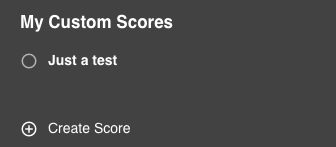
Activate the score by clicking the checkbox and you are good to go.
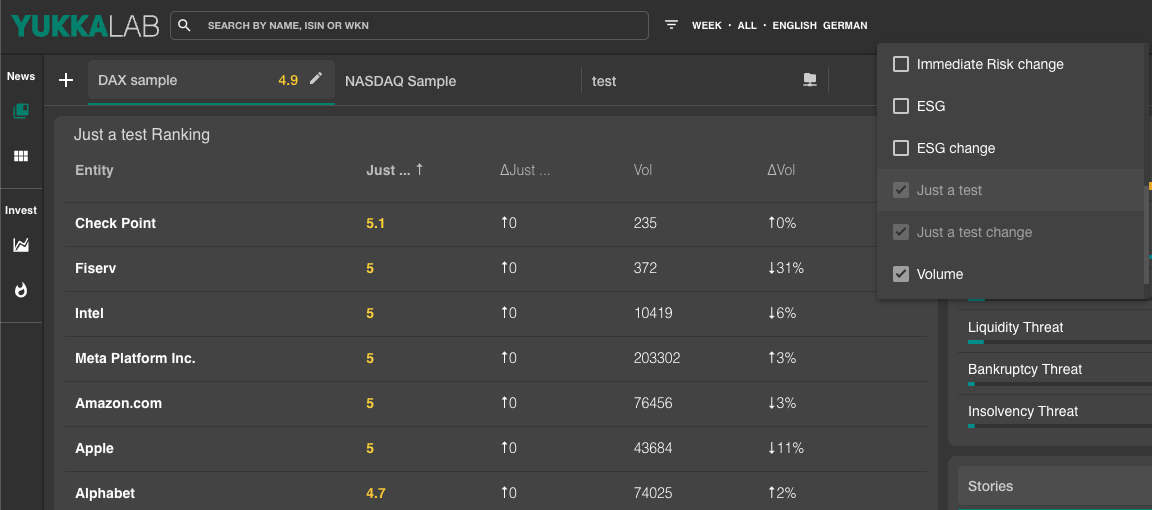
The score is now life in your portfolio and it will look something like this: