![Logo_YUKKA_News-Analytics_WEISS_Transparent.png]](https://9431966.hs-sites-eu1.com/hs-fs/hubfs/Logo_YUKKA_News-Analytics_WEISS_Transparent.png?height=40&name=Logo_YUKKA_News-Analytics_WEISS_Transparent.png)
Learning is a never-ending process and our news AI is not excluded from that.
Therefore, there is always a chance that you could be presented with a news result that is not relevant to you.
If this is the case, then you can either ignore the error, or you can help us and the AI to provide you with better results in the future.
In order to do so, simply click on the headline of the news entry in question and your article will appear.

The "Dismiss" icon  is on the right side, third in line. This will open a window where we require some information on why this particular article has to be dismissed.
Please tell us first to which entity the dismissal is related:
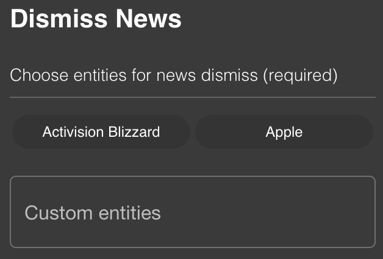
You can either make a selection from the pre-defined entries or make a custom entry.
Then please select the content you are referring to.
You can either make a custom entry or copy the text associated with the event(s).
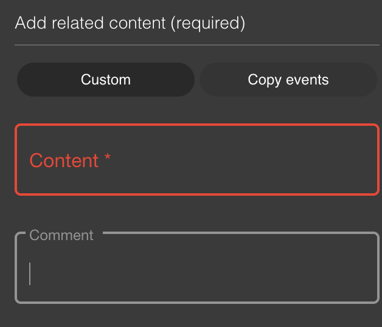
Please leave a comment on why this entry is to be dismissed and finally click on "Submit".
The article will then be deleted from your news view. We will receive a notification with your information and the system will be updated with the relevant information to make future search results more viable.