![Logo_YUKKA_News-Analytics_WEISS_Transparent.png]](https://9431966.hs-sites-eu1.com/hs-fs/hubfs/Logo_YUKKA_News-Analytics_WEISS_Transparent.png?height=40&name=Logo_YUKKA_News-Analytics_WEISS_Transparent.png)
Sometimes a news entry contains information that is critical and requires immediate attention.
And sometimes it is not yourself who has to give this attention to the news and you quickly want to inform a colleague or manager about these news.
The ability to flag an article of action has been provided for exactly this use.
In order to flag an article for action, click on the article in question (if you haven't already done so) to open the reading view:
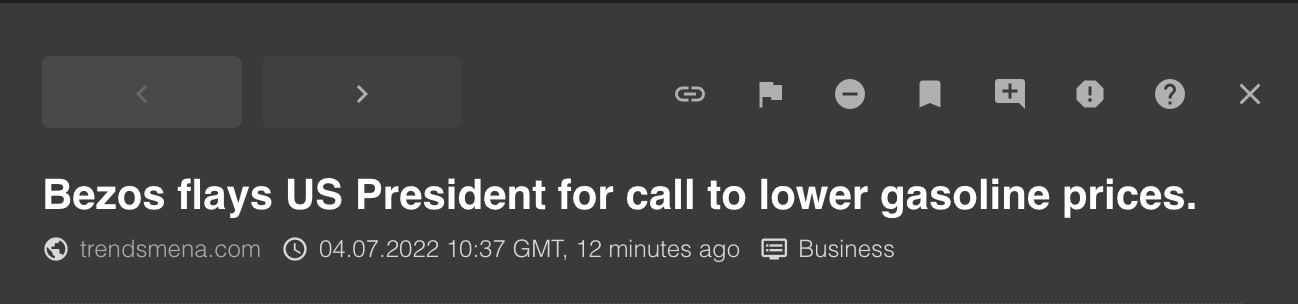
In the header line, please select the flag icon:

This will open the flagging screen, where you go through a small number of steps.
First you select which entity is the subject for the flag:
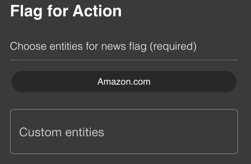
You can either choose one from the provided selection or manually enter a custom entity.
Note: Only Entities that are part of your portfolio are show for selection.
Then you enter the relevant content that is the subject of the flag:
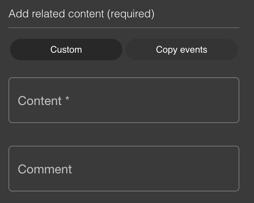
Selecting "Custom" will allow you to manually select the "relevant" part of the article.
Selecting "Copy Events" will add the text of the Event(s) to the selection, that the entity has been involved with.
You can also enter a comment, to point out the relevance or provide any sort of statement that you want to make about this flag.
Lastly, enter the recipient of the information that you want to share and click on submit:
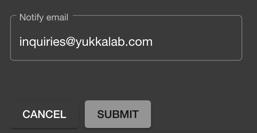
An Email will be send to the designated recipient, that will look like this:
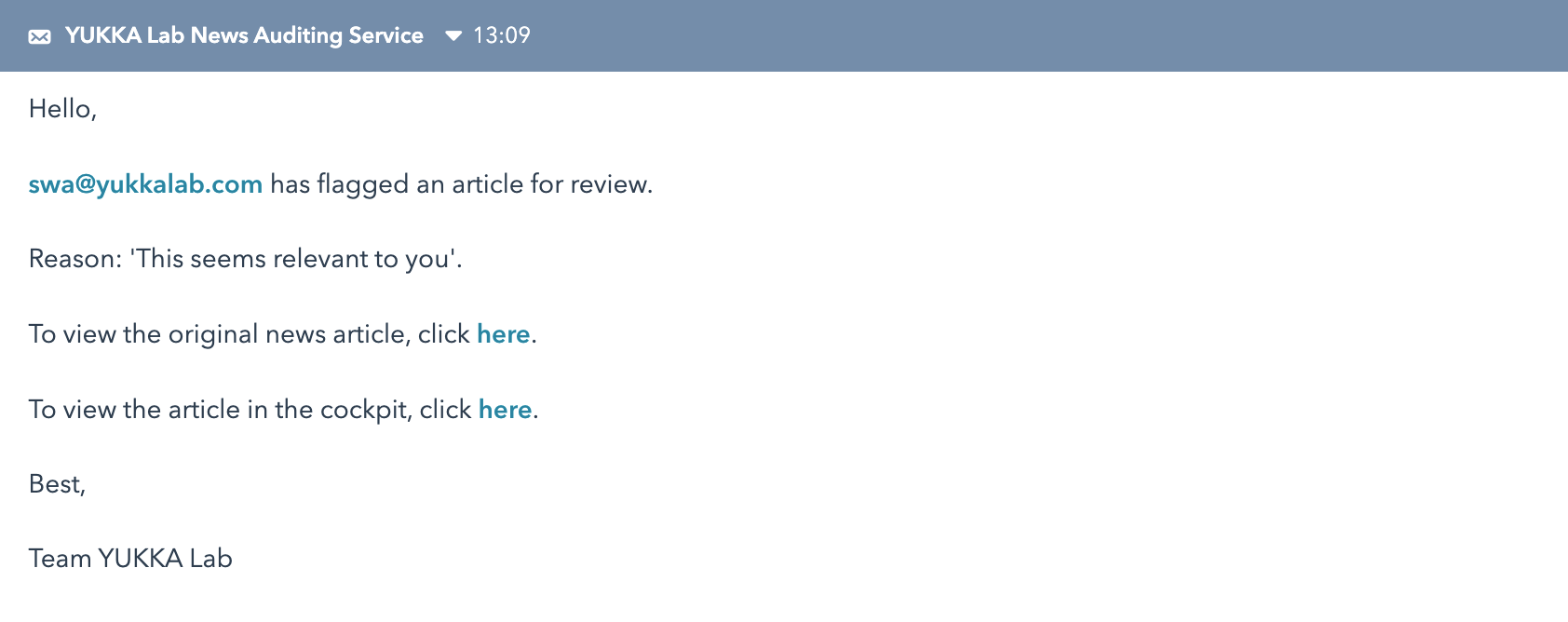
Clicking on the original news article will direct you to the website where the article originates.
Clicking on "view article in the cockpit" will open the login screen of your YUKKALab account and then open the news entry.