![Logo_YUKKA_News-Analytics_WEISS_Transparent.png]](https://9431966.hs-sites-eu1.com/hs-fs/hubfs/Logo_YUKKA_News-Analytics_WEISS_Transparent.png?height=40&name=Logo_YUKKA_News-Analytics_WEISS_Transparent.png)
From time to time it might happen, that you want to export a portfolio in order to share it with a co-worker.
In order to so, please click on "Edit" in your Portfolio overview:
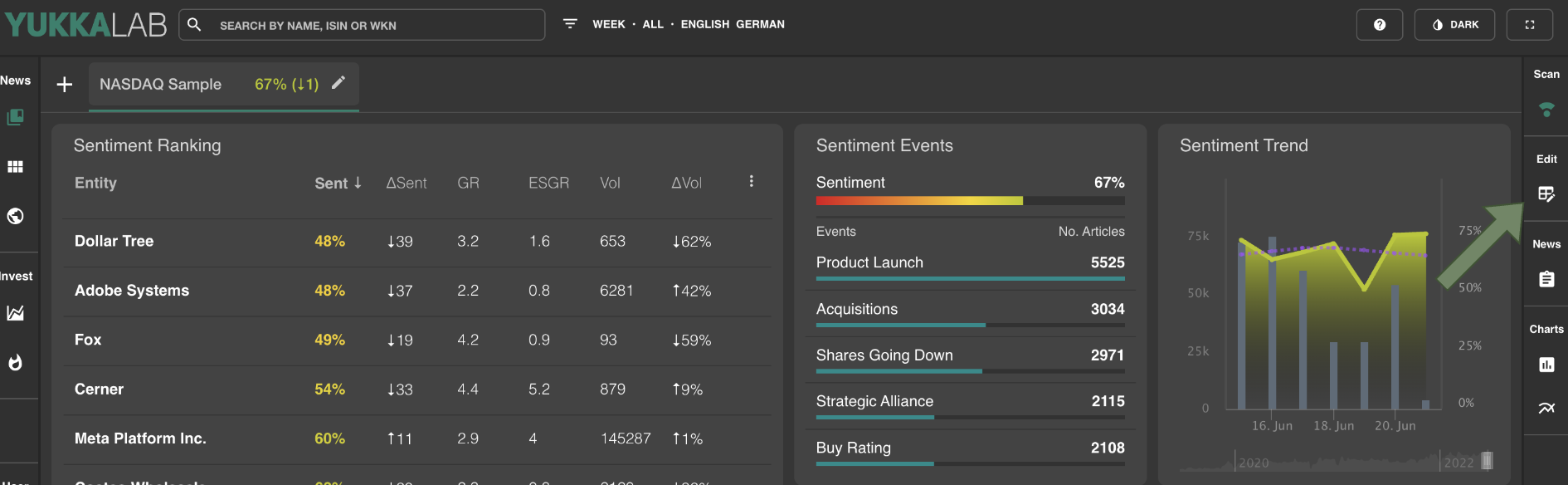
This will open the editing view of the portfolio:

In the upper right, you will find "3dots"

Click on the 3 dots to open a dropdown:
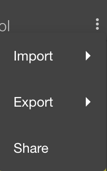
Select "Export" and then "Portfolio"
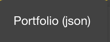
Done. The portfolio file has been dowloaded to your default download folder.
Naming convention for the downloaded file:
portfolio_"portfolio name".json