![Logo_YUKKA_News-Analytics_WEISS_Transparent.png]](https://9431966.hs-sites-eu1.com/hs-fs/hubfs/Logo_YUKKA_News-Analytics_WEISS_Transparent.png?height=40&name=Logo_YUKKA_News-Analytics_WEISS_Transparent.png)
Your News View will look something like this 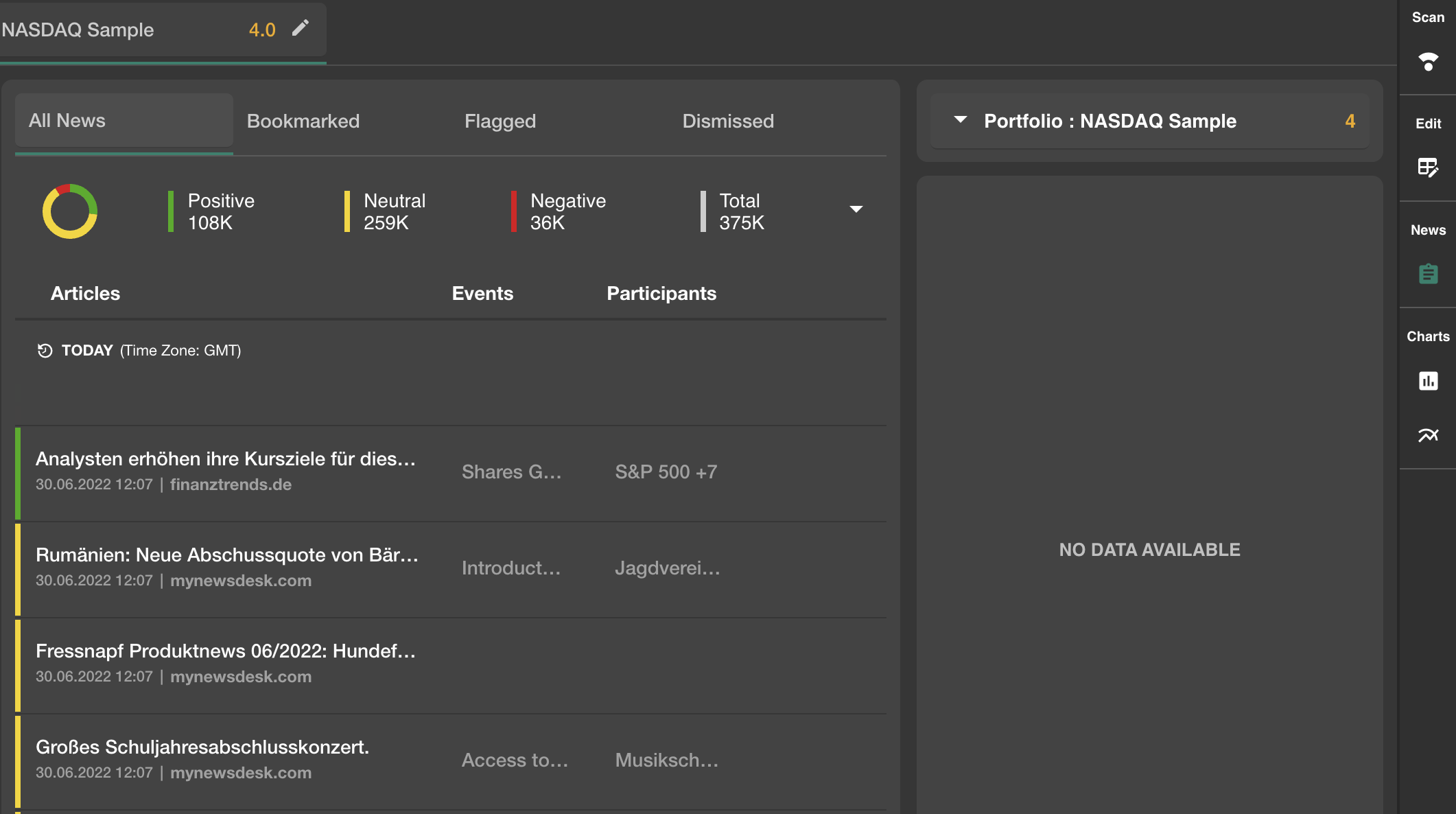
You access it by clicking on the news icon on the very right side in your cockpit :

In the upper left you will find a quick overview of the news volume for your portfolio:
It is broken down into positive, neutral and negative news.
This should help to see how the general tendency for the news is developing.
The "Bookmarked" register will only show those news that have been bookmarked by you or (in case of a shared portfolio) one of your colleagues.
The "Flagged" register will show only those news that have been flagged for action.
The register "Dismissed" will only show those news entries that have previously been dismissed.
Did you see the little arrow to the right of the registers? It enables you to make additional settings for your news:
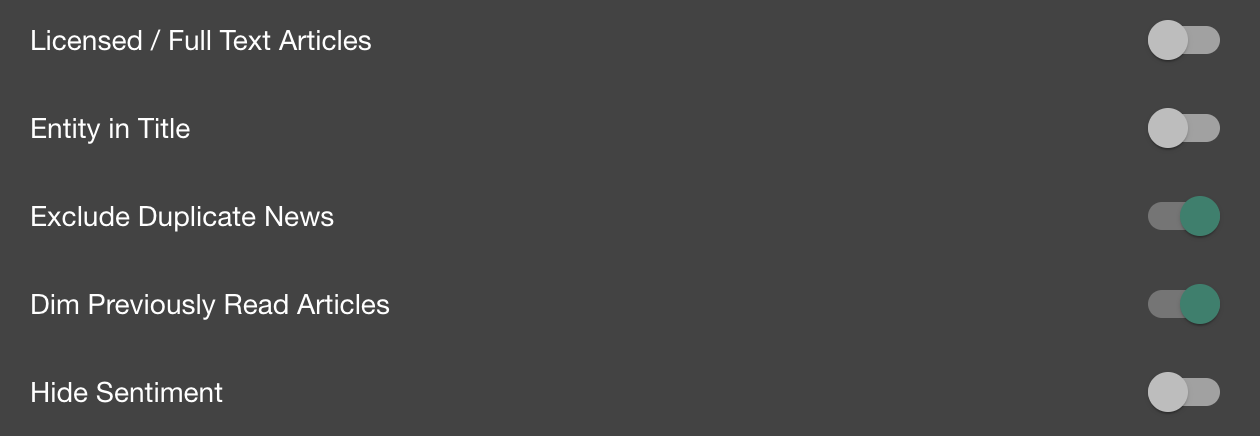
- Licensed /Full text articles - if "on" it will only show news results that can be depicted full length and will ignore articles that are behind a paywall. Entity in Title - if "on" will only depict those news, where the entity in question is directly named in the title
Tipp: Wherever you are in YUKKALAb, licensed content can easily be identified. It is always marked with this symbol:

- Entity in title will only show news results in which the entity in question is stated in the headline of the article.
- Exclude duplicate news - if "on" will ignore all news entries that are duplicates of one another, full duplicates as well as articles with a very high similarity
- Dim Previously Read Articles - will lower the brightness of those news you have already clicked / read. This serves to help keeping track of what you already did.
Tipp: This works across search results, so should the article be depicted somewhere else, maybe another portfolio, then you will still see that the article already has been read.
- Hide sentiment - if "on" it will hide the coloured bars to the left of the article that indicate whether the news is considered to be positive, neutral or negative.
Directly below this you will find the news themselves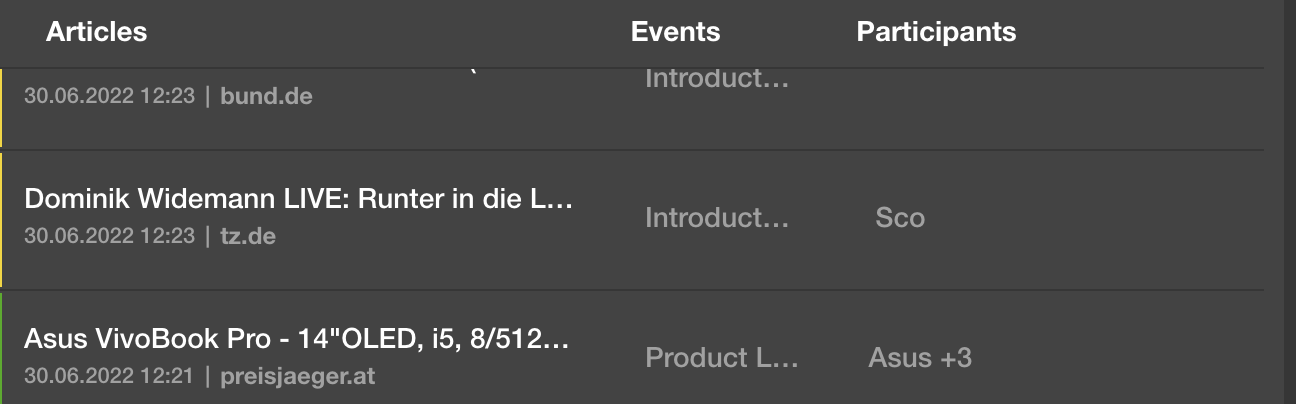
On the left you have the article headline with timestamp and source.
In the middle the events are listed. Hover with the mouse of the grey event text to get a complete version of the event that triggered the article to appear.
To the right you have a list of participants in the event. Hover with the mouse over the grey participant entry to show a full list.
To the right you will find this overview
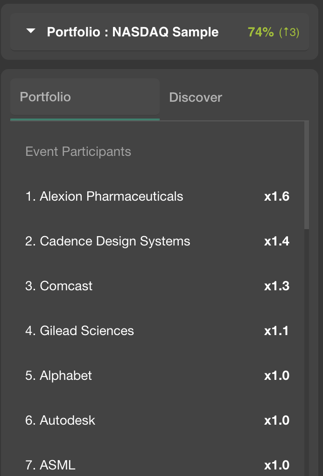
In the top line with the arrow, you can define what you want to look up. Currently its the entire portfolio.
Below that you have the Portfolio register, which depicts a top-list of those Event Participants that have been named most often in the news.
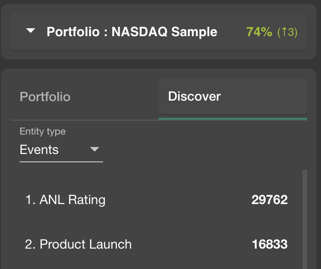
The Discover tab allows you to search for "how many news have there been for..."
You can choose to look for events, companies and countries and get an overview of the amount of news.